
Radiowecker
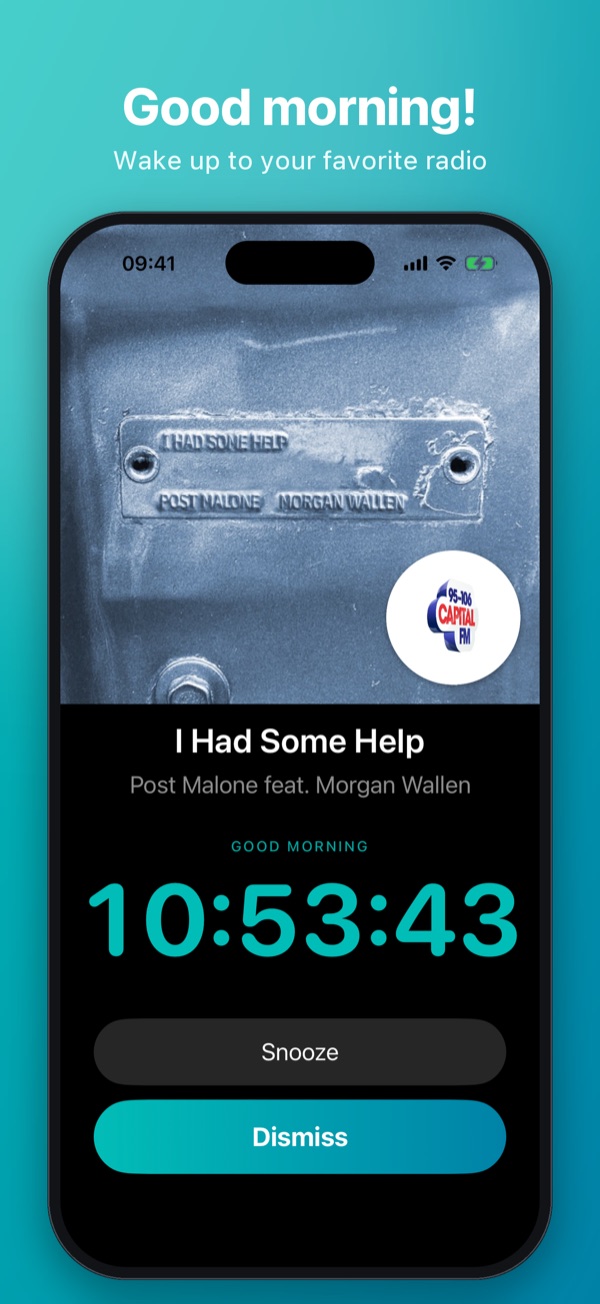
Wake up to your favorite radio station or Apple Music.
Alarms, sleep timer, nightstand mode and night light – your iPhone becomes the radio alarm clock on your nightstand.
Wake up to your favorite radio station or Apple Music.
Alarms, sleep timer, nightstand mode and night light – your iPhone becomes the radio alarm clock on your nightstand.
What makes Radiowecker special.
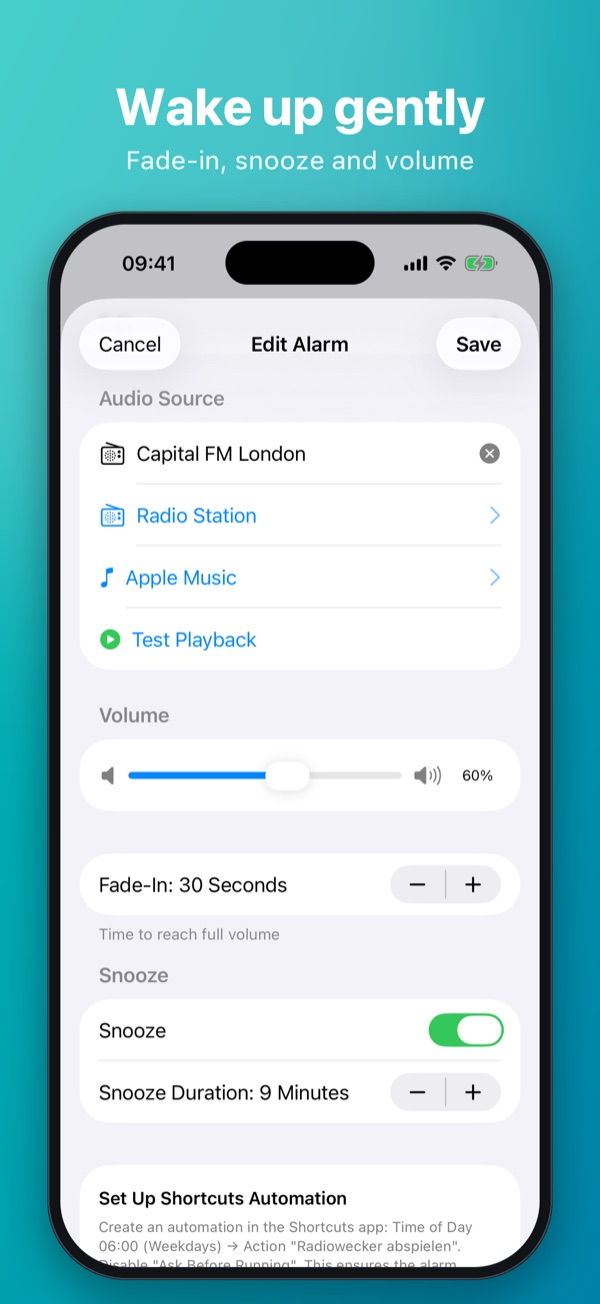
Choose from thousands of internet radio stations worldwide or start your day with a song or playlist from Apple Music. With a gentle fade-in, adjustable volume and a fallback sound in case the stream is ever unavailable.
Radiowecker works with Apple's Shortcuts app: an automation starts your alarm right on time – even when your iPhone is locked. The app walks you through the setup step by step.
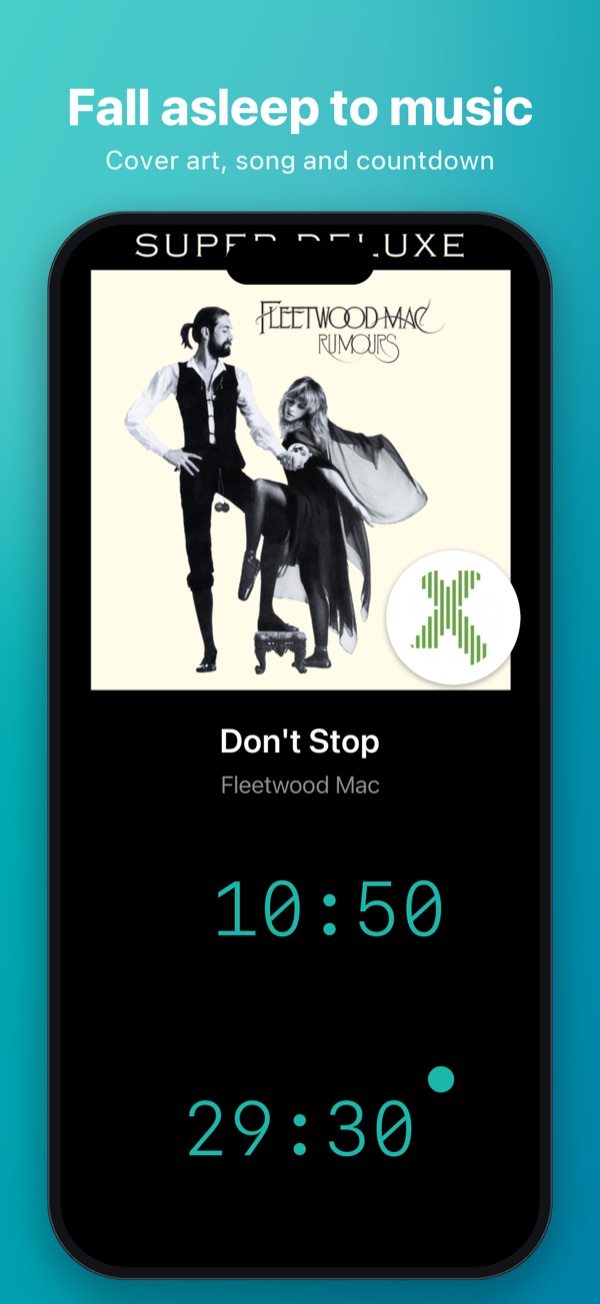
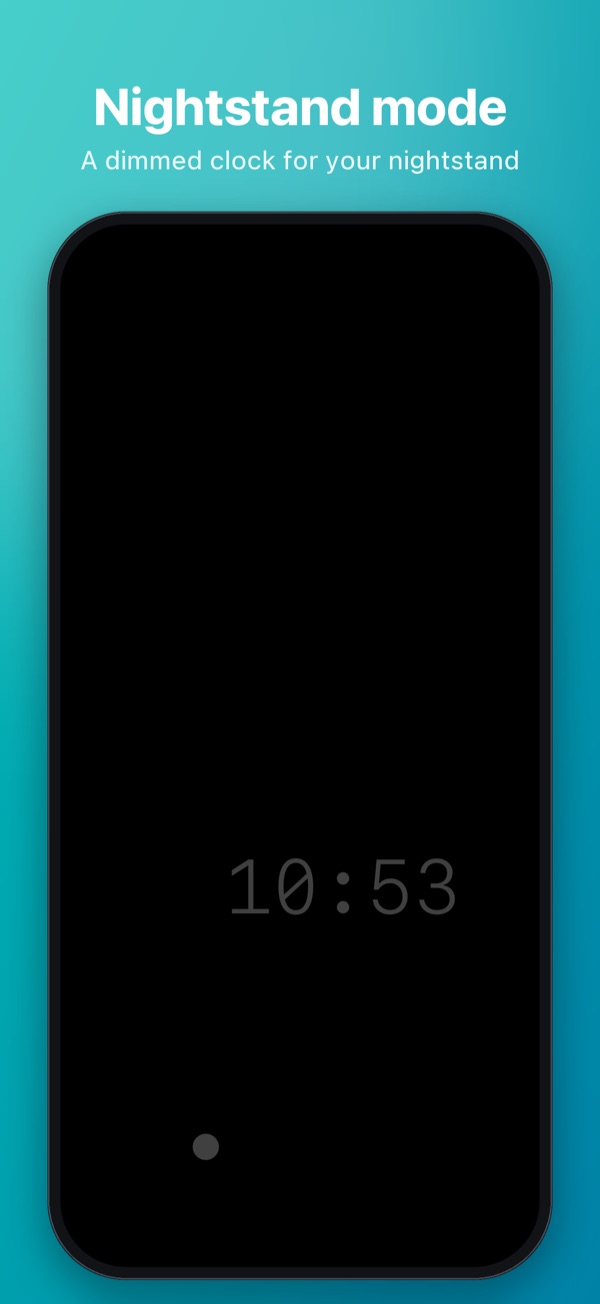
One tap and the display goes black: no distracting light on your nightstand while the app stays ready. With snooze countdown, a dimmed clock, cover art of the current song and an optional screensaver ball.
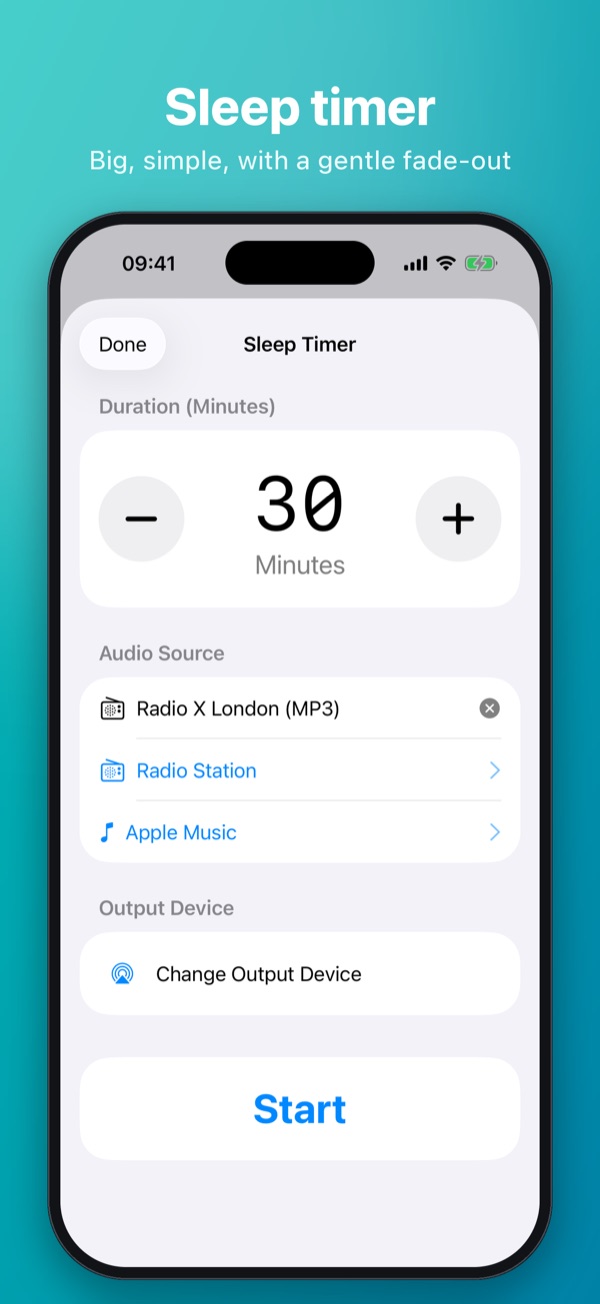
Fall asleep to radio or music – with a gentle fade-out after the time you choose. And if you need a bit of light at night, the built-in night light uses the flashlight with dimmable brightness and a timer.
Radiowecker combines alarm clock, radio, sleep aid and nightstand features in one app.
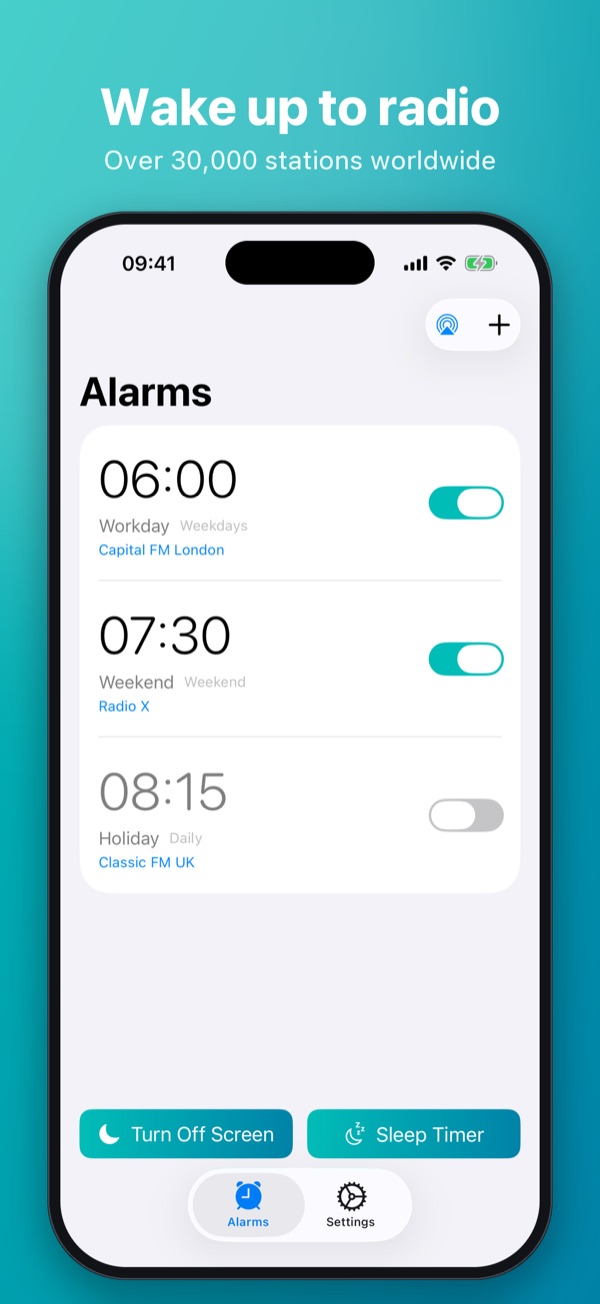
As many alarms as you like, each with a name, repeat (daily, weekdays, weekend or individual days), snooze and fade-in – to match your rhythm.
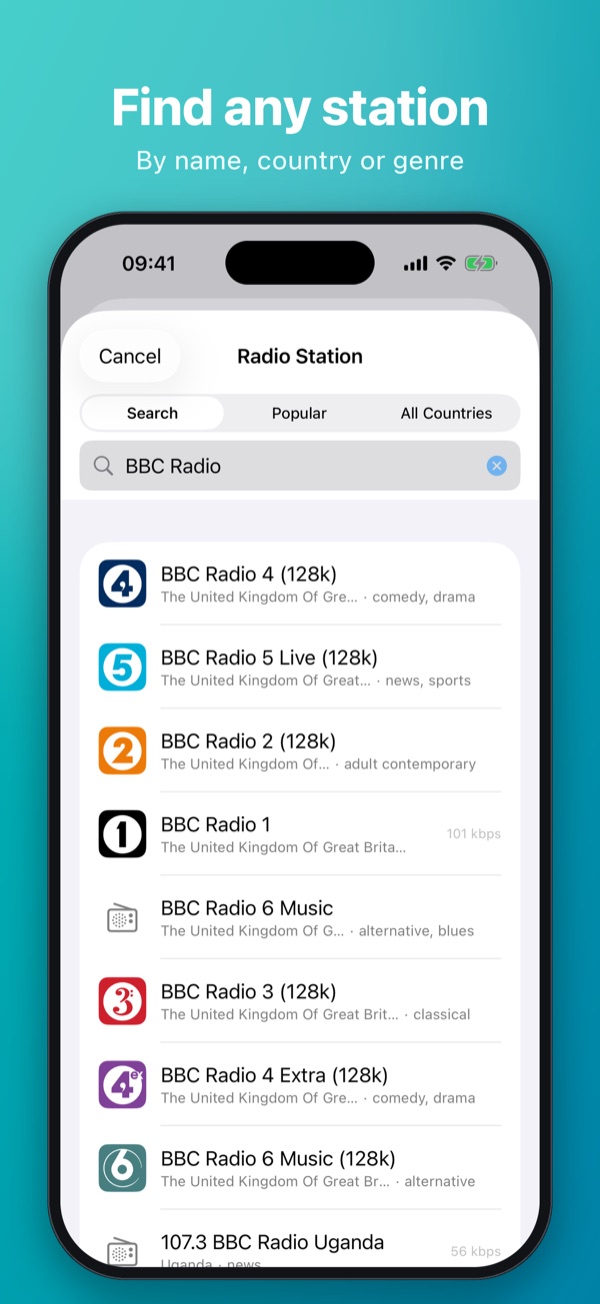
Station search via the Radio Browser directory: by name, country or genre. Adjustable buffer for uninterrupted playback.
Wake up to your favorite song or a playlist from your Apple Music library – including cover art in nightstand mode.
Play directly on HomePod or other AirPlay speakers – selectable separately for alarms and the sleep timer.
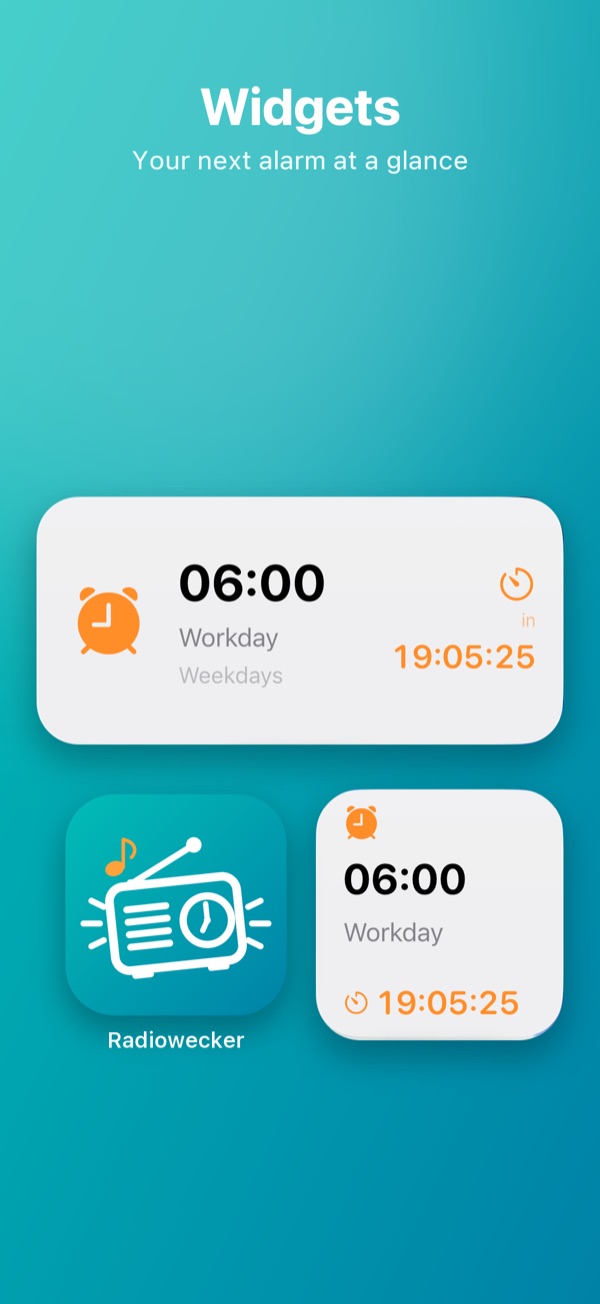
Your next alarm with countdown on the Home Screen and Lock Screen – in five widget styles, without opening the app.
Play the alarm or start the sleep timer from a shortcut or automation. The timer duration can even be passed in as a variable.
A clean design for the day – deep black for the night.
The full description at a glance.
Radiowecker turns your iPhone into a full radio alarm clock for your nightstand. Wake up to your favorite radio station or to music from Apple Music – gently faded in, at the volume you choose and, if you like, straight through HomePod or AirPlay speakers.
Create alarms with their own name, custom repeat (once, daily, weekdays, weekend or any days you pick), snooze with adjustable duration and a fade-in of up to five minutes. If a radio stream is ever unavailable, your chosen fallback sound kicks in automatically – from a classic ringtone to an Apple Music song.
To make sure the alarm rings reliably even when your iPhone is locked, Radiowecker works with Apple's Shortcuts app: an automation you set up once starts playback exactly at alarm time. The app shows you tailored instructions right when you create the alarm.
The sleep timer plays radio or Apple Music for as long as you like and gently fades the music out at the end. Combined with the screen-off mode, your bedroom stays completely dark.
The screen-off mode switches the display to deep black. Countdowns for snooze, sleep timer or night light are shown discreetly, and while music is playing you also see the song and cover art. A dimmed clock can be shown on request. Tap the screen to bring up the controls. Optionally, a small ball wanders across the display as a screensaver.
Radiowecker is free to use with one alarm. The full version unlocks unlimited alarms, all widgets and the night light – as a one-time purchase, no subscription.
Your data belongs to you. Period.
Alarms and settings are stored exclusively on your device.
No analytics tools, no ad networks, no user profiles.
Network access only for radio streams and Apple Music – explained transparently.